

System Integration
Core systems connected into one operation.
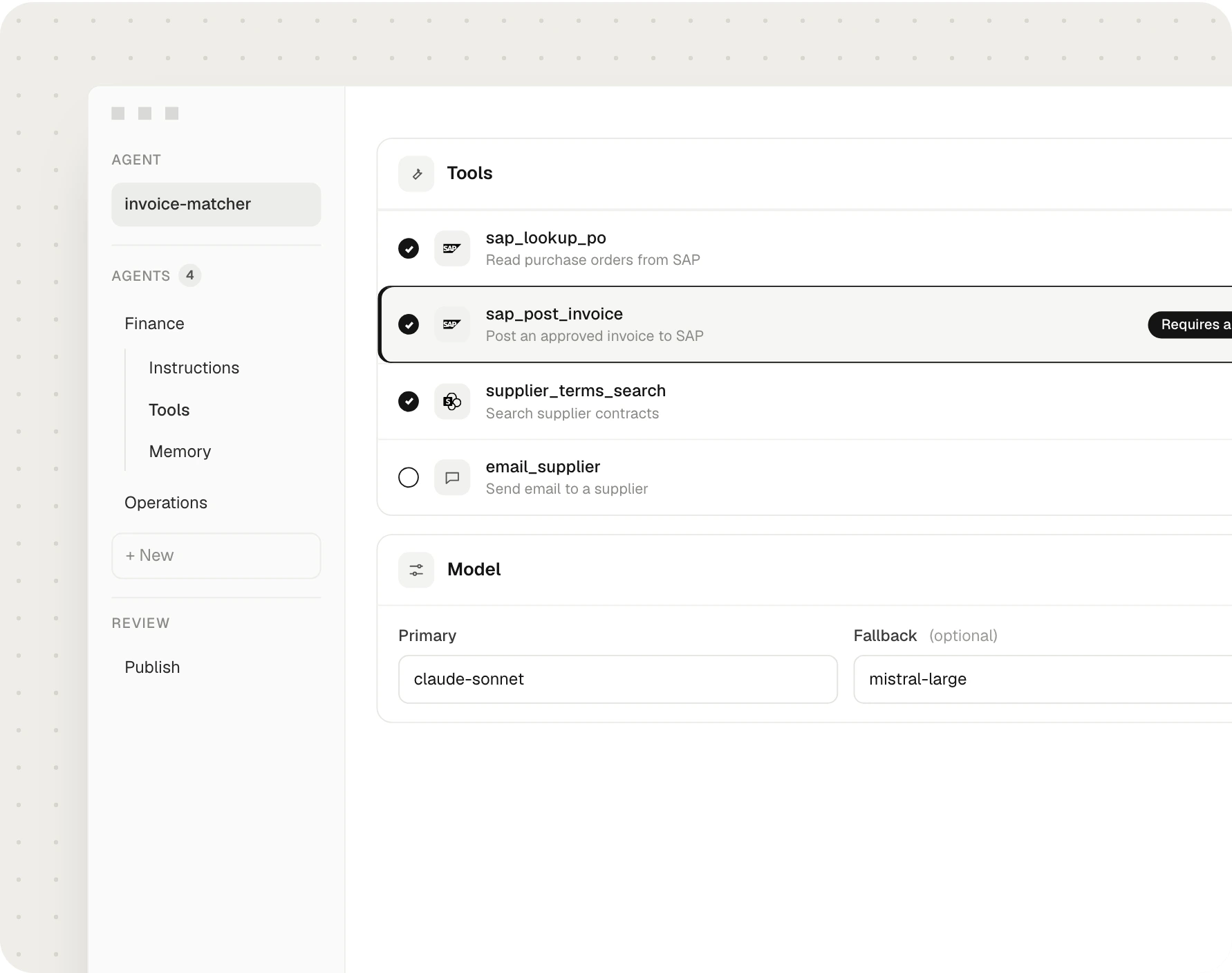
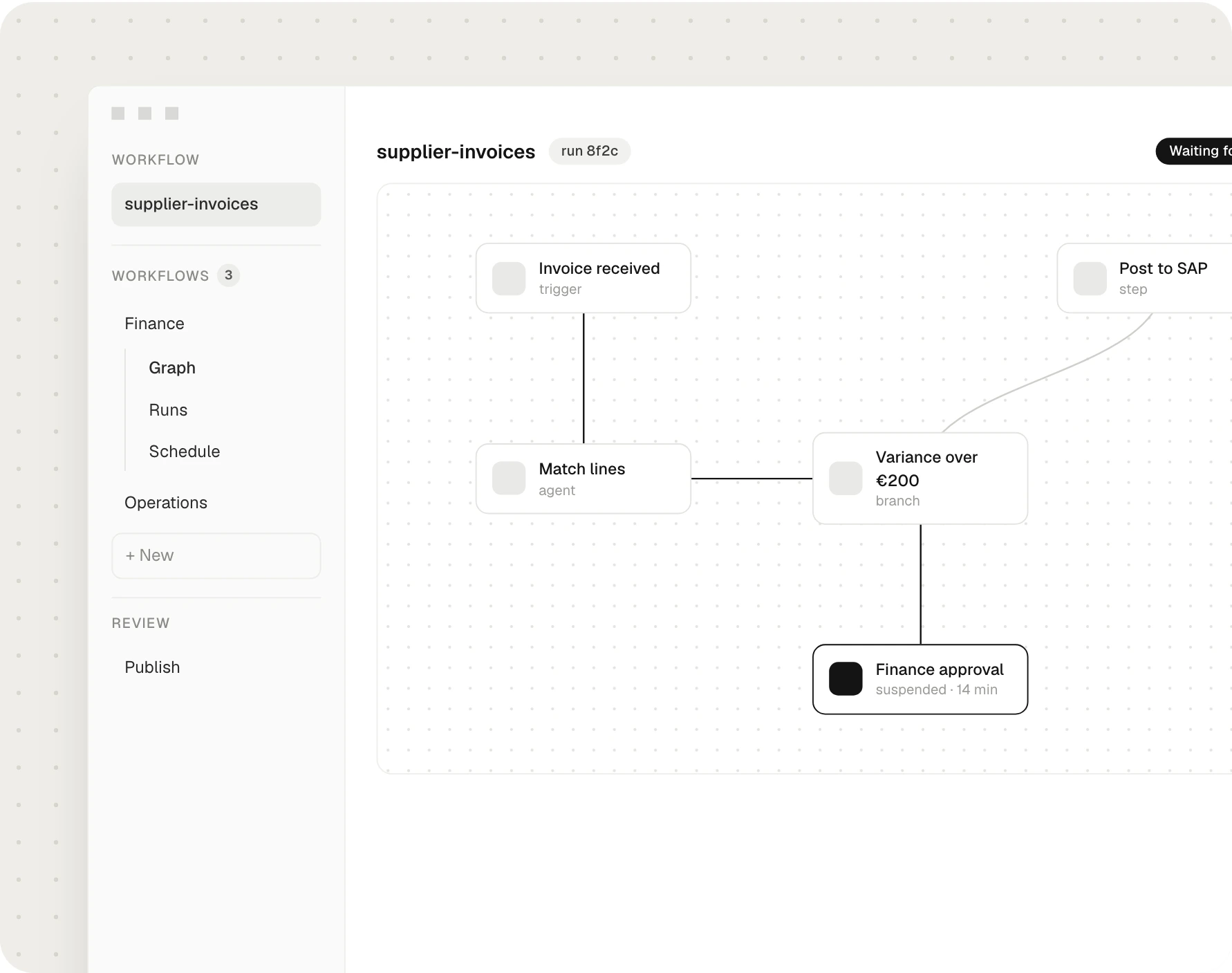
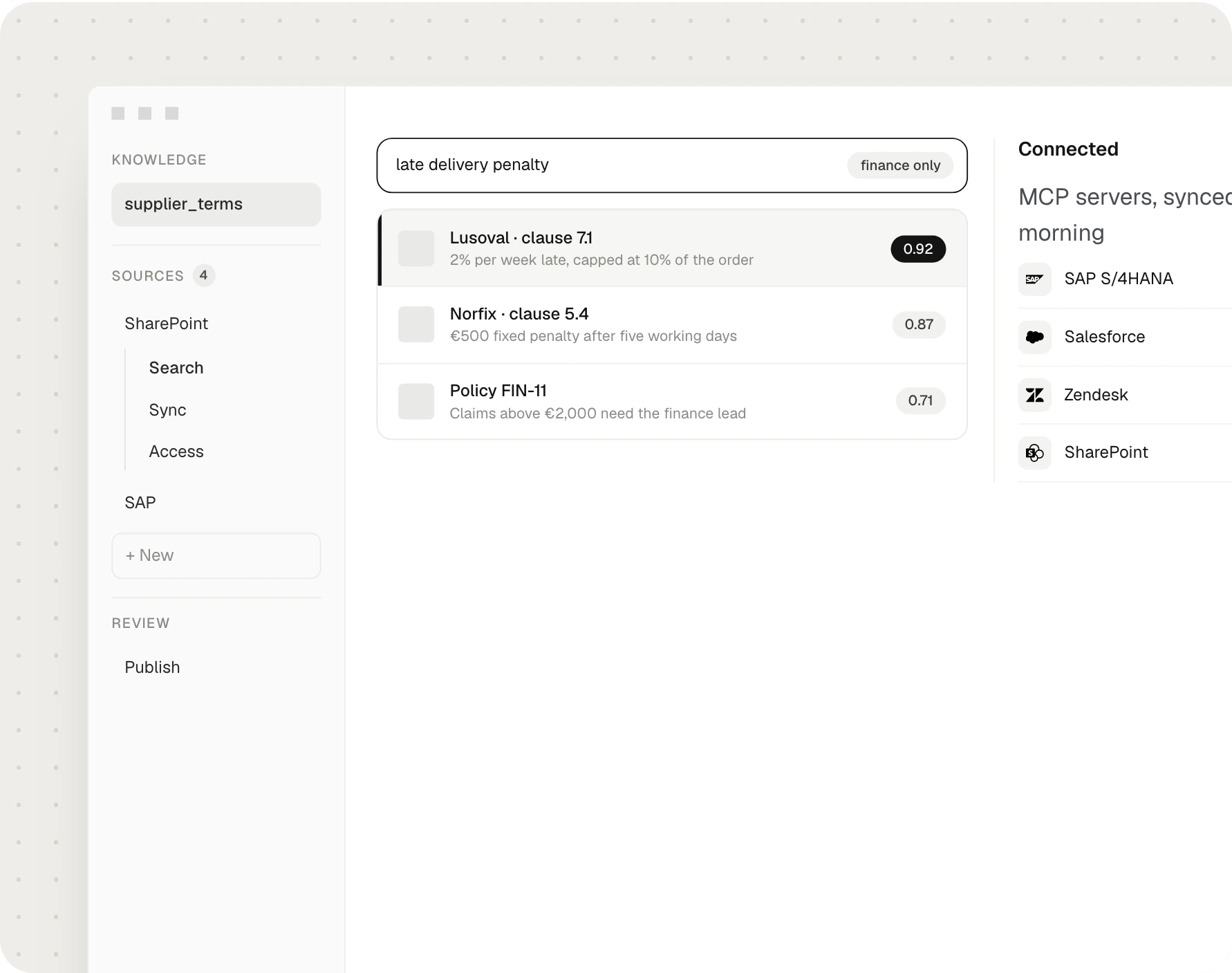
Twistag connects the ERP, CRM, commerce and operational systems a company already runs, with validated APIs and events, so data moves once and every team and agent works from the same record.

Every manual export between two systems is a process waiting to break.
- 01Spreadsheets carrying data between systems. Someone copies, someone pastes, someone checks.
- 02The same customer in four places. Each with a different address.
- 03Agents that cannot reach the system of record. Automation stops at the edge of each tool.
Data that moves once, checked on the way.
Every integration has an owner, a contract for the data it carries and an alert when something fails.
- 01Integration mapEvery system, flow and owner, with the manual steps marked.
- 02API layerClean, documented interfaces in front of each core system.
- 03Event streamsChanges published once and read by every system that needs them.
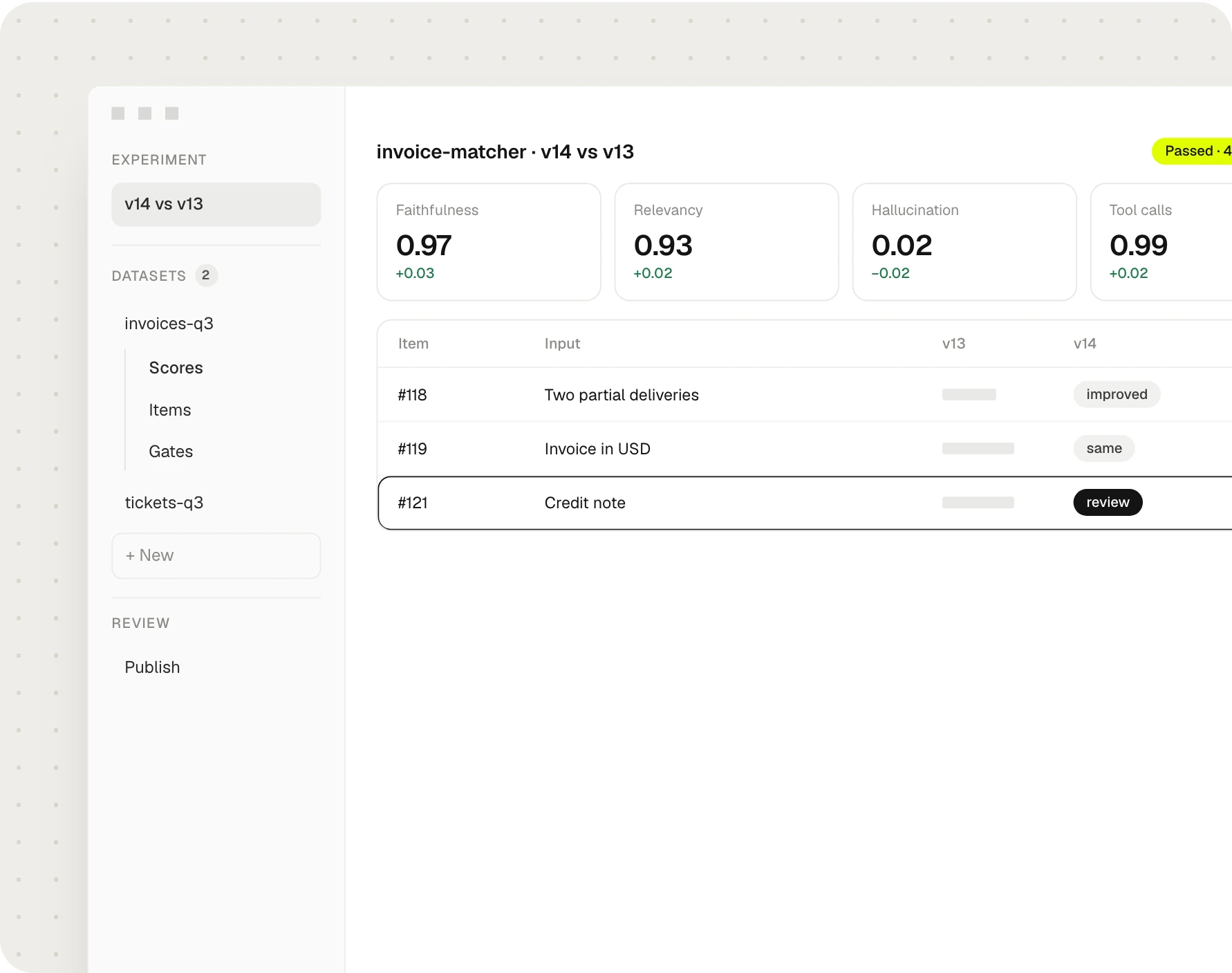
- 04Mapping and validationFields matched and checked before anything is written.
- 05Monitoring and retriesFailures caught, retried and alerted.
- 06DocumentationContracts and runbooks for every flow.
One order, without the spreadsheets
- PersonExport orders to CSV
- PersonRe-key into the ERP
- PersonCopy customer to the CRM
- PersonCheck VAT numbers
- PersonEmail the warehouse
- PersonReconcile at month-end
- AutoOrder flows to the ERP
- AutoCustomer matched in the CRM
- AutoVAT validated on entry
- AutoWarehouse notified by event
- PersonMissing VAT number reviewed
Six to twelve weeks, set by the systems to connect.
The highest-value flow goes live first. Each next flow reuses the same layer.
Automate on top, govern it or hand it over.
Agents that act across the connected systems, with people approving what matters.
Next step AI-Ready Data PlatformsFeed the data platformThe same events feed reports and the layer agents read.
Next stepCode, mappings, contracts and runbooks handed over in full.
Systems already connected.



About system integration.
Which systems can Twistag connect?
APIs or events?
What happens when a sync fails?
Does it replace the existing systems?
What does it cost?
Who owns what is built?
Other Data & Cloud services.
Let’s talk.
Tell us about the company and what it needs. A senior lead takes it from there.
A senior lead replies within one working day.


